
New TypingMagic 12 Released in November 2025

Exciting New Features:

๐ŸŒ™ Dark Mode ๐ŸŒ Custom Keyboard Layouts ๐ŸŽฎ New Cloud Race Game ๐Ÿ‡ฎ๐Ÿ‡ณ Hindi Typing Test support ๐ŸŽฎ New Pipe Master Game ๐Ÿ”ค More Adjustable Settings ๐ŸŒ New Keyboard Layouts (Hindi, Khmer, Thai, Vietnam, Colemak) ๐Ÿ”ค Import Test Texts in multiple formats ๐Ÿ† Adjust your own typing test pass limits ๐Ÿ“ Universal Typing Course with Multi-Language Support ๐Ÿ–ฅ๏ธ Typing Meter Widget Improvements ๐Ÿ–ฅ๏ธ Bigram Analytics and Heat Map ๐Ÿ”ค Lowercase Typing Course for Beginners

Version 12 is a free update for all TypingMagic 11 users.
Be among the first to experience the latest version of TypingMagic!

Download Latest Version 12

TypingMagic 12: A Typing Revolution Arrives!

We're thrilled to announce the official release of TypingMagic 12, the latest and most powerful version yet!

๐Ÿ’ฌ Share Your Feedback

We truly value your insights! Send us your feedback, ideas, or bug reports.

Send Feedback

What's New in TypingMagic 12

Discover the powerful new features and improvements that make TypingMagic 12 the best typing tutor yet
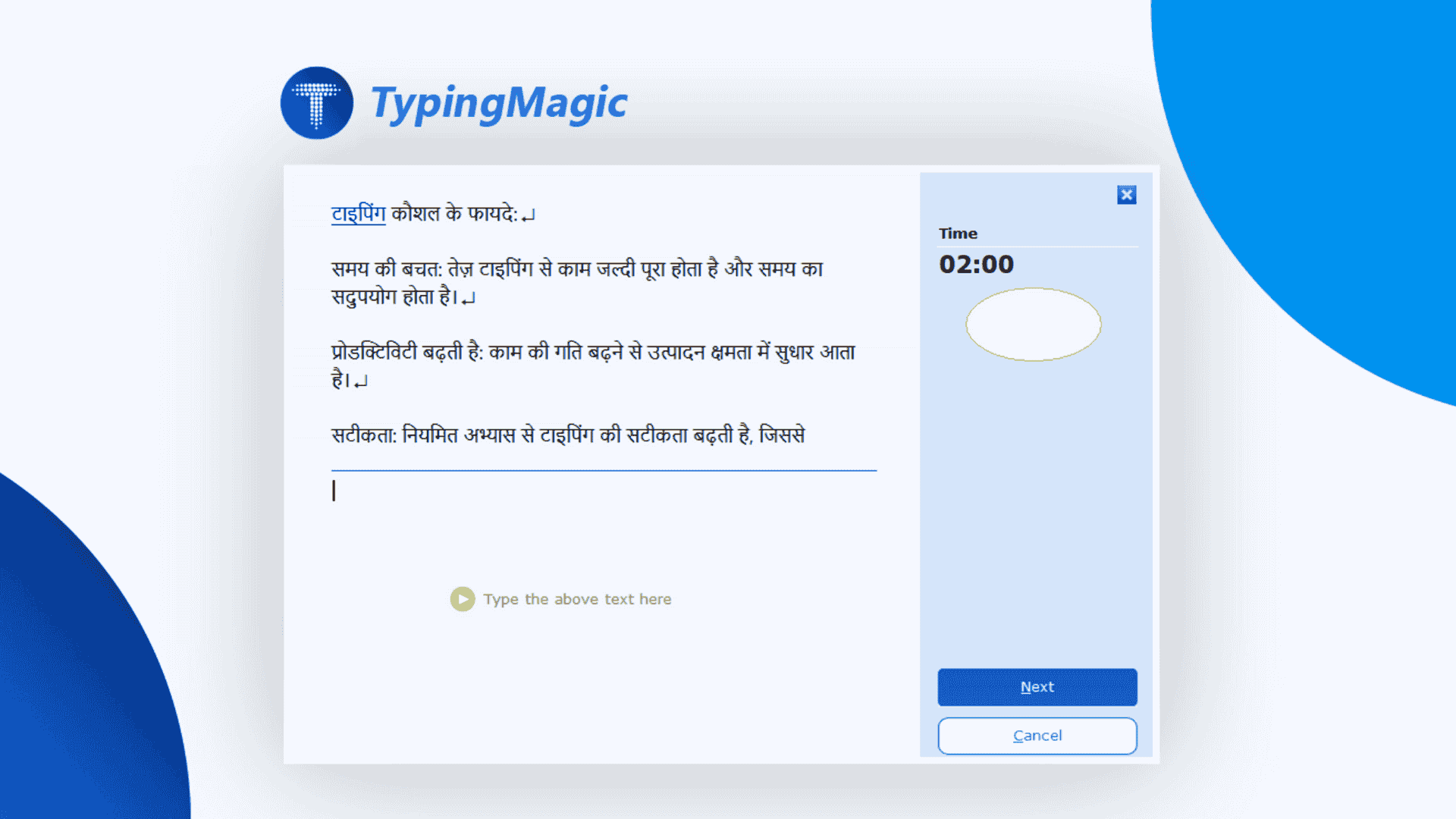
Hindi Typing Test

Advanced Typing Test Configuration & Multi-Language Support

Professional version allows to take complete control of your typing tests with fully customizable settings and language support:
  • Continue tests from where you left off when retaking the same test
  • Adjust typing test duration to any time
  • Set custom pass limits for Net Speed, Gross Speed, and Accuracy
  • Import test texts from RTF, DOC, HTML, and TXT files with Unicode/UTF-8 compatibility
  • Copy and paste any text to create instant typing tests more easily
  • Full support for Hindi, Tamil, Bengali and other regional language typing tests
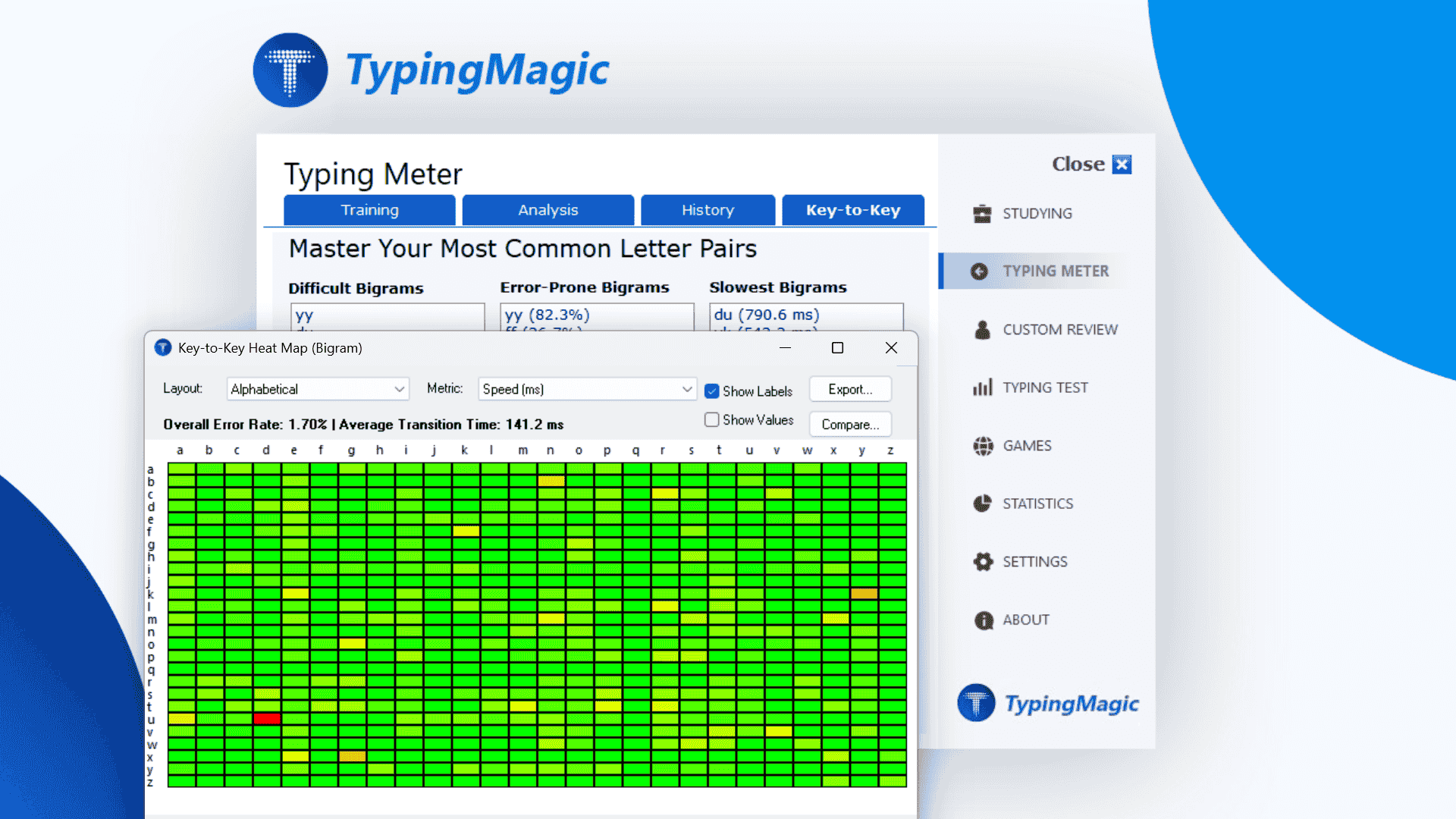
Bigram Heat Map Analytics

Advanced TypingMeter & Bigram Analytics

Professional Version: Revolutionary key-to-key bigram analysis powered by TypingMeter:
  • Collects detailed key pair data showing how accurately and quickly you type from one key to the next
  • Visualizes typing patterns with rich heat maps and timing metrics
  • Automatically generates personalized bigram exercises targeting your difficult key pairs
  • Export and compare bigram data with layout filters for left and right hands
  • "Return Widget to Screen" feature inside the settings if widget drifts off-screen
  • Click on bigrams to read detailed tips and analysis
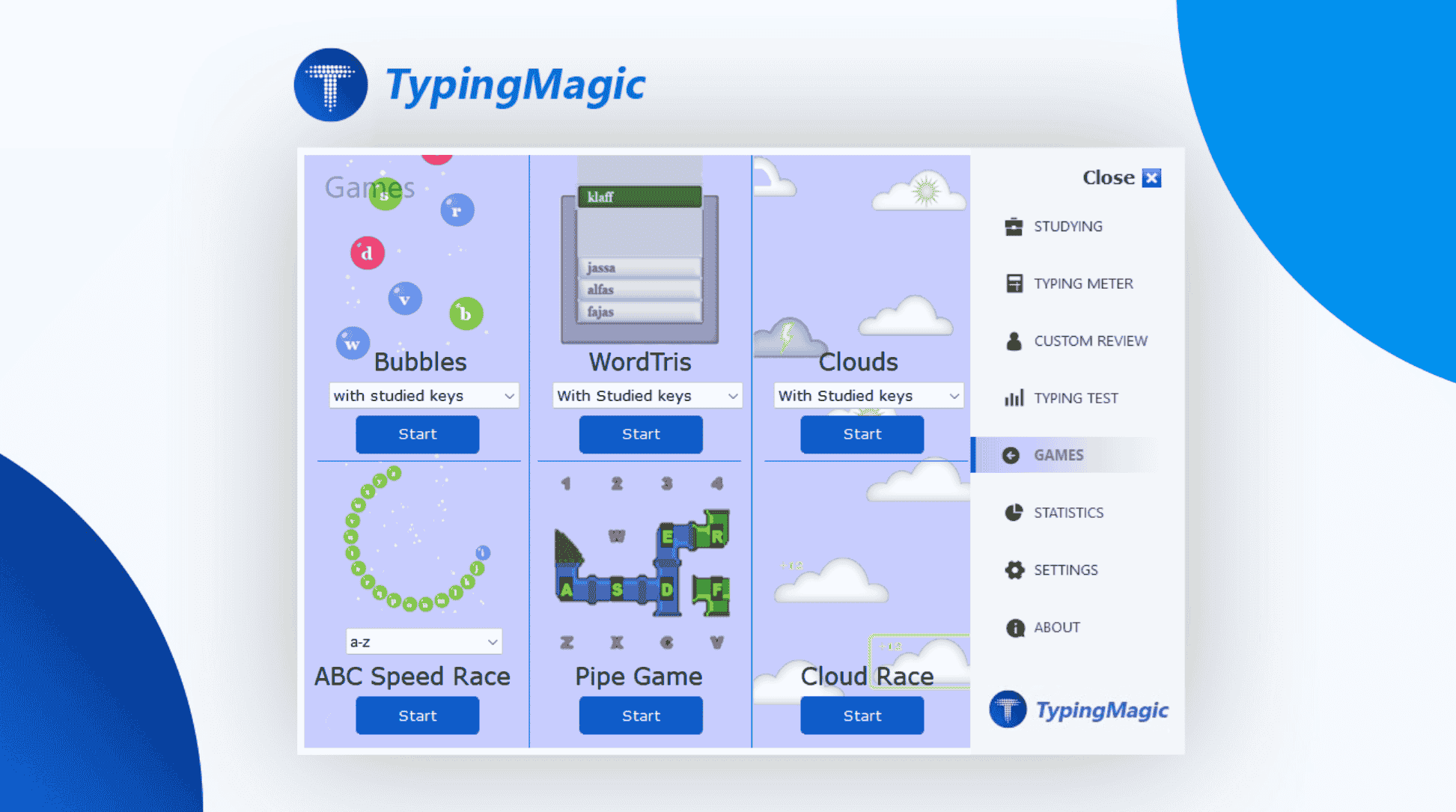
Learning Games

New Learning Games & Enhanced Gameplay

Master typing skills through engaging games that make practice fun:
  • Cloud Race - New fast-paced game to improve speed and accuracy
  • Pipe Master - New puzzle game with progressive difficulty levels
  • ABC Speed Race, Bubbles, and WordTris games
  • Games now playable directly from Review page and Universal Typing Course
  • Improved scoring logic and smoother gameplay
  • High Score Lists support Unicode user names (Hindi, Tamil, etc.)
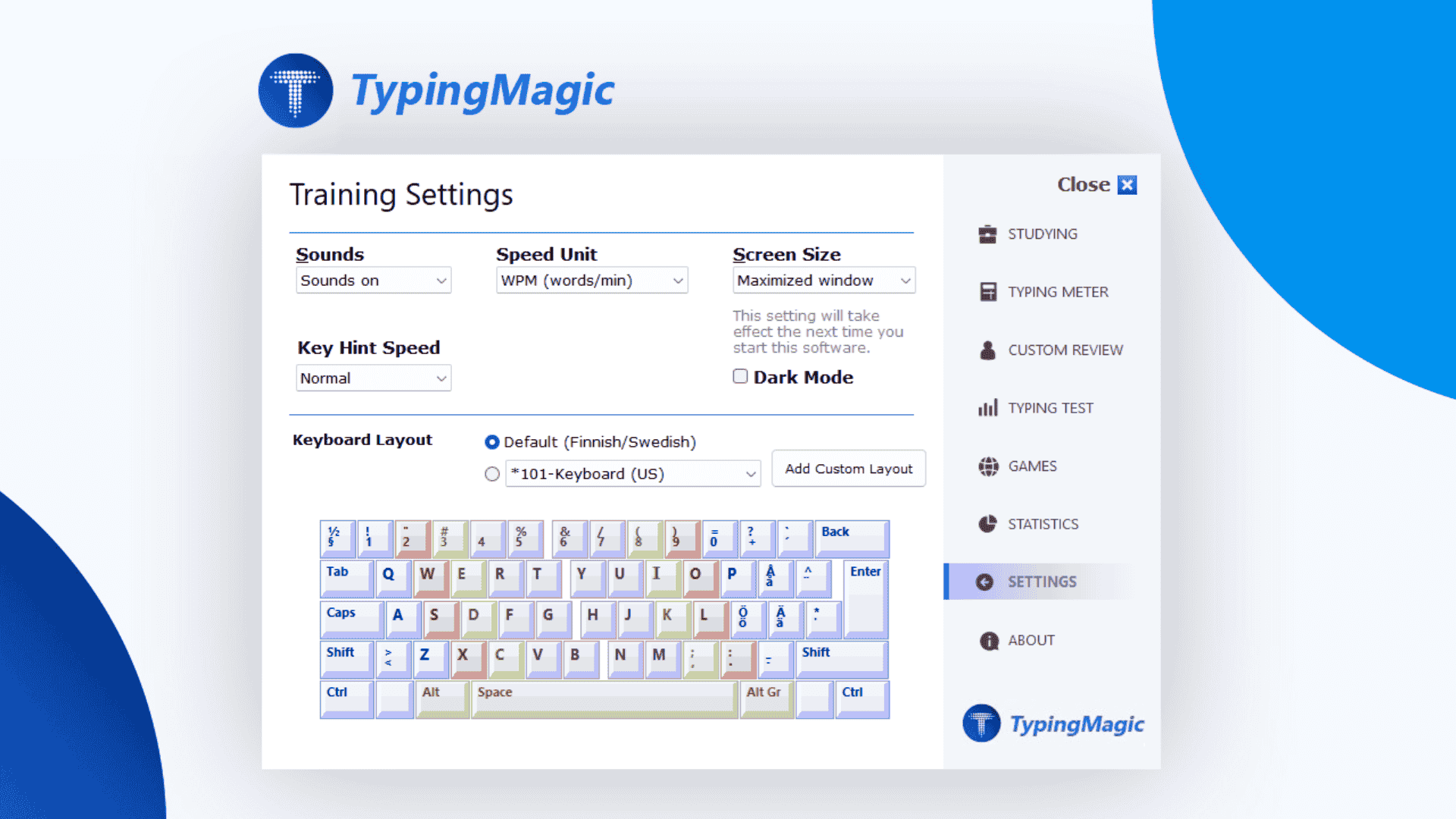
Training Settings and Dark Mode

Comprehensive Settings & New Dark Mode

Personalize your typing experience with extensive customization options:
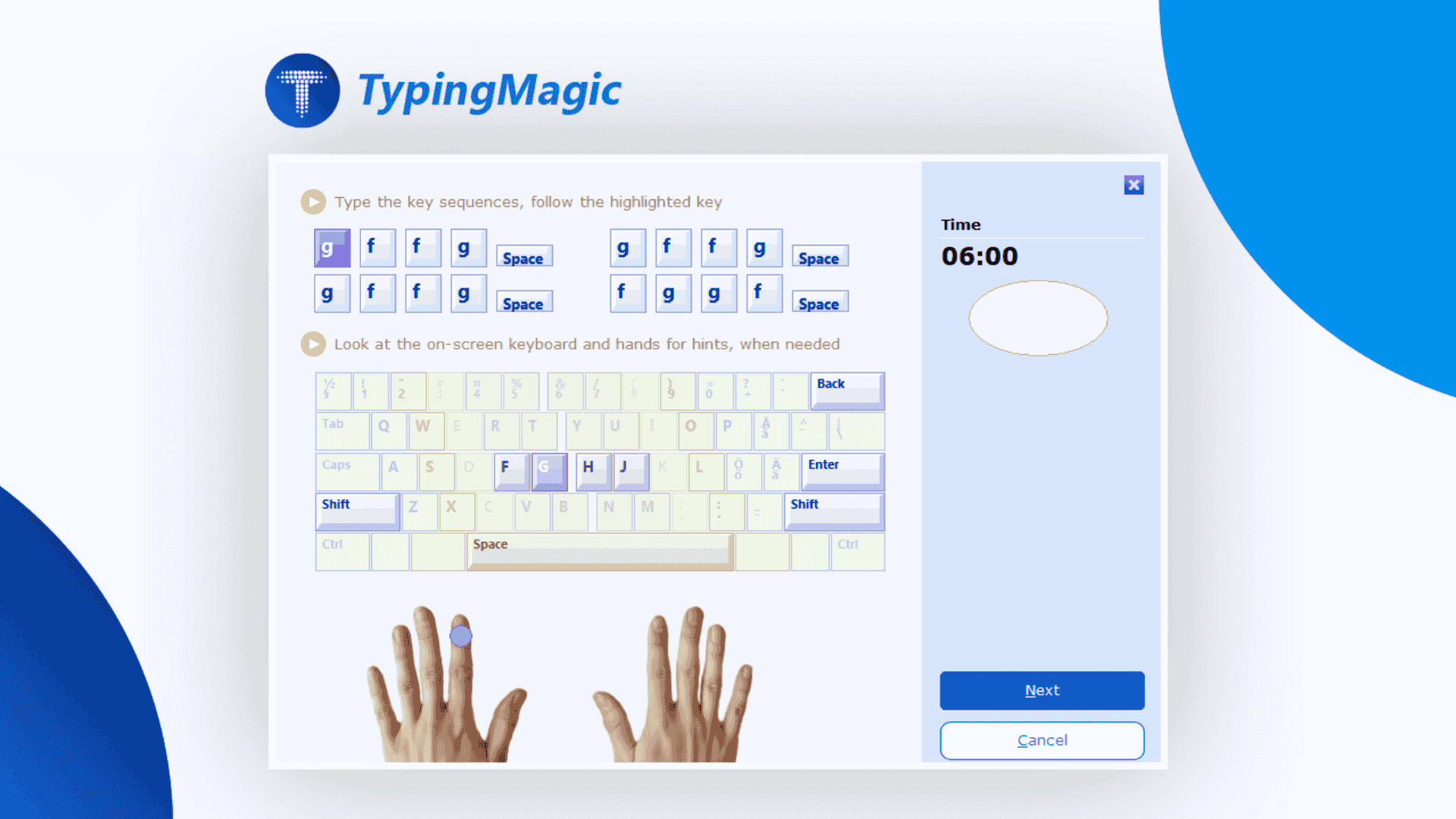
  • Dark Mode - Modern dark theme with improved contrast and visual comfort
  • Import custom keyboard layout files (.KLC format) directly from settings
  • Universal Keyboard Import works with both ANSI 104/ISO 105 key layouts
  • New pre-installed layouts: Hindi, Bengali, Tamil, Khmer, Thai, Vietnam, Colemak
  • Choose the speed for visual keyboard hint appearance
Hindi Typing Test

New Lowercase Typing Mastery Course & Universal Course

Universal Course allows to practice with any keyboard layout and learn touch typing universally:
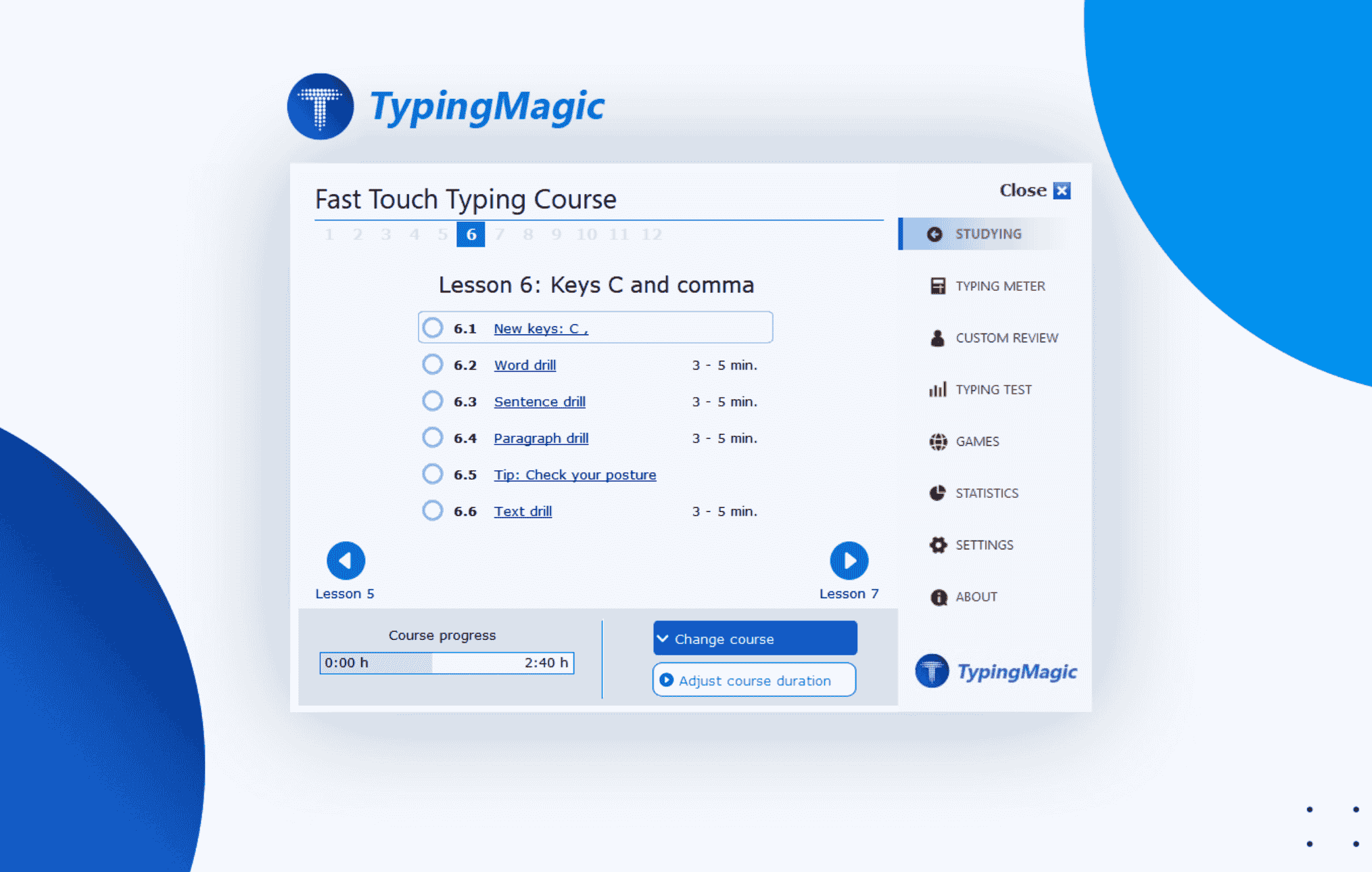
  • Universal Course allows you to practice with any keyboard layout, not only English or QWERTY. It supports regional and custom layouts, so you can learn touch typing consistently regardless of the language or keyboard style you use.
  • Custom Review feature - select exact non-english keys to practice: เค† เค‡
  • Do you want to learn all lowercase letters before moving on to Shift keys? Try the new Lowercase Typing Mastery Course for beginners (5โ€“8 hour program).
Training Settings and Dark Mode

Enhanced User Experience

Enjoy a more polished, reliable, and user-friendly typing tutor:

  • Double click the typing test to start it
  • User names support all language scripts (Hindi, Tamil, Bengali, etc.)
  • Robust Unicode handling throughout the application
  • Close confirmation dialog when closing from X button
  • General performance optimizations for faster, smoother operation
  • TypingMeter: Improved performance, capable of measuring speeds up to 200 WPM.
  • Numerous UI fixes and improvements

๐Ÿ’ก "Your feedback today shapes the TypingMagic everyone will use tomorrow."

Download TypingMagic Version 12 Now